Is That Really Your Bank Calling? How to Spot and Stop Vishing Attacks

Vishing attacks are up 40%. Scammers are using phone calls to impersonate your bank, the IRS, or tech support. Learn the red flags and how to protect yourself.
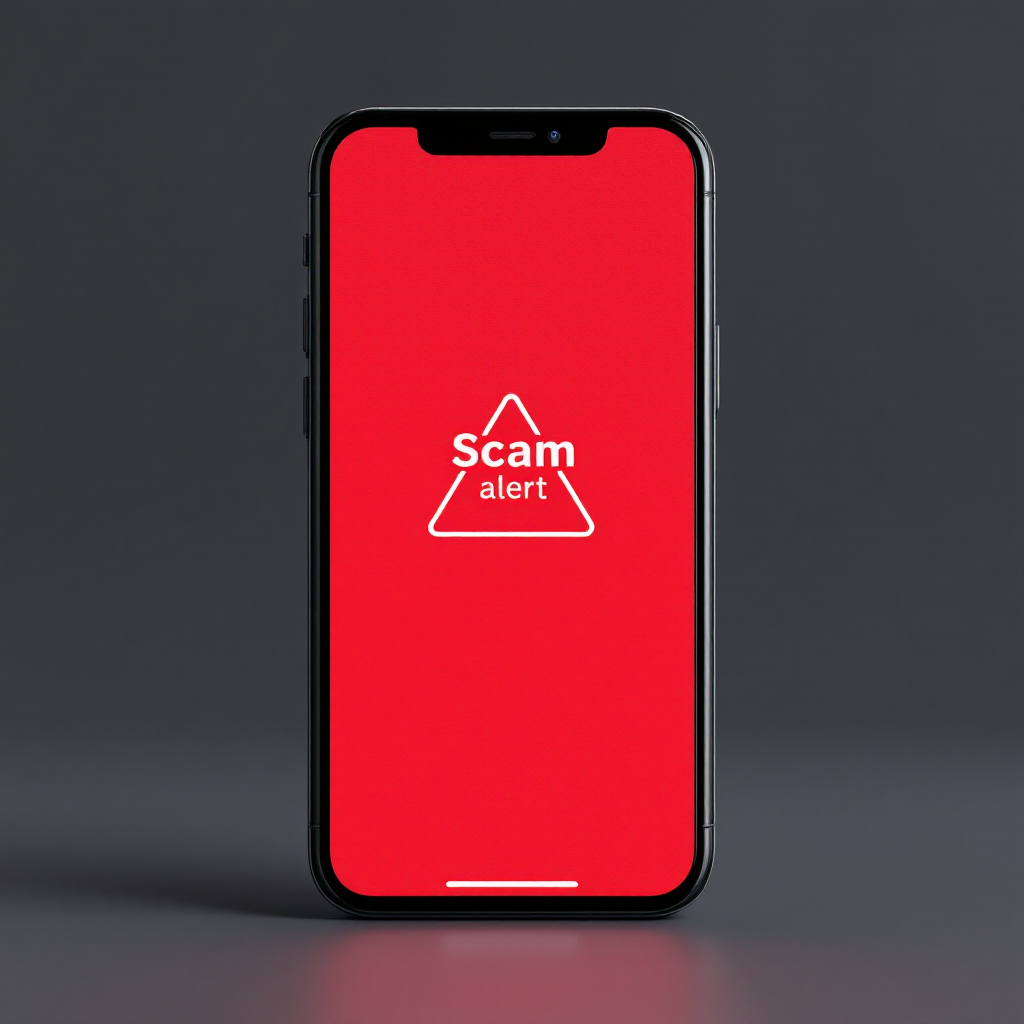
Scam Alert warning displayed on the screen of a smartphone

Is That Really Your Bank Calling? How to Spot and Stop Vishing Attacks

Introduction: The Voice You Can’t Trust

You get a call. The caller ID says it’s your bank. A professional-sounding voice warns of suspicious activity and urges immediate action. This isn’t a customer service call; it’s a vishing attack, one of the fastest-growing cyber threats, with attacks surging over 40% in the past year.

What is Vishing?

Vishing (voice + phishing) is a social engineering attack in which scammers use the phone to manipulate victims into revealing sensitive information. They use spoofing technology to fake caller IDs, appearing as your bank, the IRS, or a tech support agent to gain your trust.

How a Vishing Attack Unfolds: A 5-Step Playbook

  1. The Setup: Scammers research their targets online to make their story more believable.
  2. The Spoofed Call: Your caller ID shows a legitimate-looking number.
  3. The Pretext: They create an urgent scenario (e.g., “Your account is compromised”).
  4. The Pressure: They use fear and urgency to stop you from thinking clearly.
  5. The Payoff: They request passwords, bank details, or remote access to your computer.

Real-World Vishing Scenarios

  • The Fake Bank Fraud Alert: “We’ve detected suspicious activity. To secure your account, I need your online banking password and the code we just sent to your phone.”
  • The Tech Support Scam: “This is Microsoft Support. We’ve detected a virus on your computer. Please download this program so we can fix it remotely.”

7 Essential Tips to Protect Yourself from Vishing

  1. Hang Up and Call Back: If suspicious, hang up and call the organisation back using a verified number from their official website.
  2. Never Share Sensitive Data: Legitimate companies will never call to ask for passwords, PINs, or one-time codes.
  3. Spot High-Pressure Tactics: Urgency is a red flag. Scammers rush you; legitimate agents give you time.
  4. Don’t Trust Caller ID: Numbers are easily spoofed. “IRS” on your screen doesn’t mean it’s the IRS.
  5. Never Grant Remote Access: Do not install any software or allow remote control of your computer based on an unsolicited call.
  6. Use the “Do Not Call” Registry: This won’t stop scammers, but it reduces telemarketing noise, making scam calls more obvious.
  7. Educate Friends and Family: Share this knowledge, especially with those most vulnerable to these tactics.

What to Do If You’ve Been Scammed

If you suspect you’ve fallen for a vishing attack:

  • Contact your bank and credit card companies immediately.
  • Change passwords for any compromised accounts.
  • Report the scam to the relevant authorities.

Your Voice is Your Shield

Vishing preys on trust and fear. The most powerful defence is awareness. By recognising the red flags and following these steps, you can confidently hang up on scammers.

“When in doubt, hang up. It’s better to be rude than to be robbed.”

A diverse team of women collaborating around laptops and digital devices in a modern office setting.

International Women’s Day 2026: Give To Gain with BG Cyber Connections

International Women’s Day 2026 centers on the theme “Give To Gain” a reminder that generosity, mentorship, and shared knowledge create stronger teams and resilient organizations. At BG Cyber Connections, we believe investing in people drives real gains for small businesses. Discover practical steps to empower your team, strengthen your IT ecosystem, and build a culture of collaboration.

Read More »

Schedule Appointment

Book Now!