
Why the Right DMS Matters
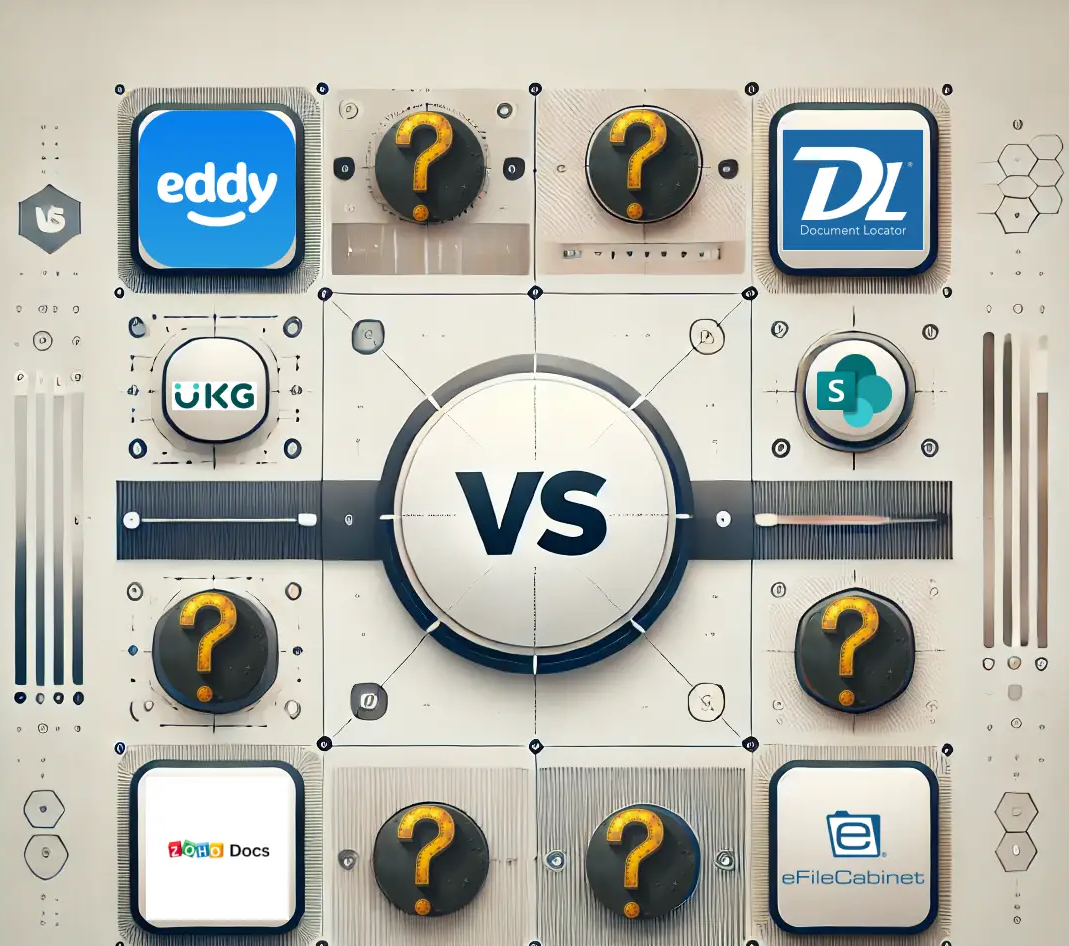
In the era of hybrid work, a robust Document Management System (DMS) is non-negotiable. It’s the backbone of productivity, security, and compliance. This comparison breaks down six leading platforms to help you find your perfect fit.
At-a-Glance Comparison
| Software | Best For | Pricing | Standout Feature |
|---|---|---|---|
| Eddy | HR-focused teams | Subscription | Streamlined employee onboarding & records |
| Document Locator | Compliance-heavy fields | Perpetual license | Deep MS Office integration |
| PeopleDoc (UKG) | Enterprise HR | Enterprise Quote | HR service delivery & global compliance |
| Zoho Docs | SMBs, Zoho users | Freemium/Sub | Seamless Zoho ecosystem integration |
| eFileCabinet | SMBs in regulated industries | Tiered Subscription | Automated workflows & compliance |
| SharePoint | Microsoft-centric enterprises | Subscription (MS 365) | Deep customisation & collaboration |
Detailed Breakdown
Eddy
- Focus: HR processes (onboarding, records, performance).
- Pros: User-friendly, excellent HR automation, good compliance tools.
- Cons: Limited use outside of HR functions.
- Ideal For: Companies that need to digitise and automate HR.
Document Locator
- Focus: Document control and compliance.
- Pros: Powerful version control, detailed audit trails, and integrates directly into Outlook/Word.
- Cons: Steeper learning curve, less intuitive interface.
- Ideal For: Healthcare, finance, government, and other regulated industries.
PeopleDoc (by UKG)
- Focus: Enterprise HR service delivery.
- Pros: Highly scalable, excellent case management, strong global compliance support.
- Cons: Higher cost, can be complex to implement.
- Ideal For: Large multinational enterprises with complex HR needs.
Zoho Docs
- Focus: General document management and collaboration.
- Pros: Very affordable, integrates seamlessly with Zoho Suite, and is easy to use.
- Cons: Lacks advanced features needed for large enterprises.
- Ideal For: Small to midsize businesses, especially those already using Zoho products.
eFileCabinet
- Focus: Workflow automation and compliance.
- Pros: Strong automated filing, robust security features, and good customer support.
- Cons: The User interface feels dated, mobile experience is lacking.
- Ideal For: Accounting firms, legal offices, healthcare practices.
Microsoft SharePoint
- Focus: Enterprise collaboration and content management.
- Pros: Extremely customizable, integrates fully with Microsoft 365, powerful workflow capabilities.
- Cons: Can be complex to set up and manage; often requires dedicated IT resources.
- Ideal For: Organisations already deeply invested in the Microsoft ecosystem.
How to Choose the Right DMS for Your Business
- Identify Your Priority: Is it HR, compliance, collaboration, or cost?
- Consider Your Ecosystem: Choose a platform that integrates with your existing tools (e.g., Microsoft 365, Zoho).
- Plan for Growth: Select a solution that can scale with your business.
- Think About Support: Do you have in-house IT, or do you need a provider with hands-on support?
How BG Cyber Connections Can Help
Selecting the right software is just the first step. We provide end-to-end support:
- Needs Assessment: We analyse your workflows to recommend the best-fit DMS.
- Implementation & Integration: We handle the technical setup for a seamless transition.
- Training & Support: We ensure your team feels confident and uses the new system effectively.
Ready to find your perfect DMS?
📞 Schedule a free consultation with our experts today.
👉 Contact BGCC
Conclusion
The best document management software aligns with your specific business needs, size, and budget. Whether you need HR-specific tools (Eddy, PeopleDoc), rigorous compliance (Document Locator, eFileCabinet), or seamless collaboration (Zoho Docs, SharePoint), there’s a solution to help you work smarter and more securely.