FakeCaptcha scams are on the rise, targeting unsuspecting users with deceptive tactics. Learn how BG Cyber Connections can help protect you today.
Beware of FakeCaptcha Scams: Safeguard Your Digital World
In today’s interconnected world, the internet has become an essential part of our daily lives, providing convenience and access to a wealth of information. However, this digital realm also harbours potential threats that can disrupt your online experience and compromise security. One such threat is the rising trend of FakeCaptcha scams, which target unsuspecting users with deceptive tactics. As a seasoned IT solutions provider, BG Cyber Connections is here to enlighten you on this pressing issue and equip you with the knowledge to protect yourself.
What Are FakeCaptcha Scams?
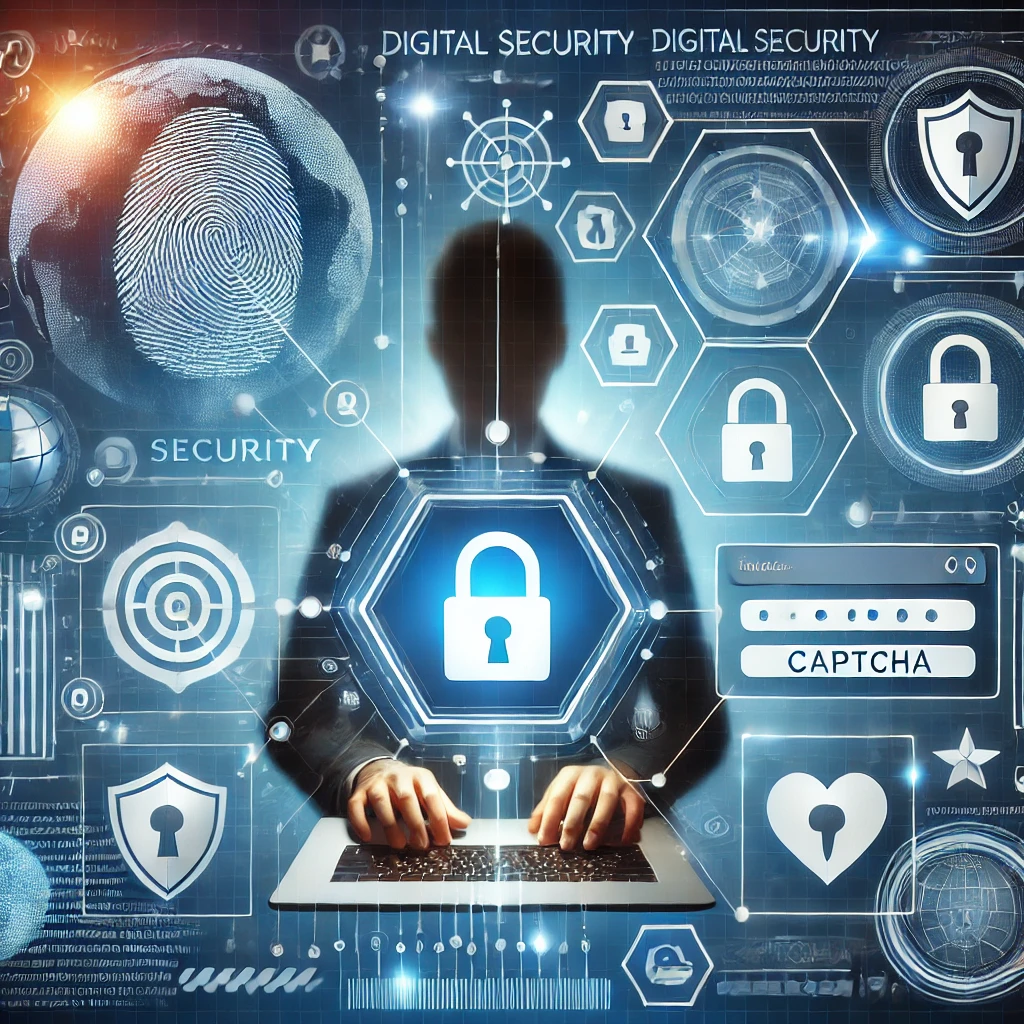
FakeCaptcha scams are designed to mimic legitimate CAPTCHA tests—those little puzzles you solve to prove you’re not a robot. Cybercriminals exploit these familiar tests by creating fake versions that prompt users to click on links or download malicious software. Falling for these scams can lead to unwanted consequences, such as data breaches or unauthorized access to your personal information.
To delve deeper into how these scams operate and their implications, we recommend visiting this comprehensive article on Avast Blog.
Why Are You a Target?
As someone who may be new to technology or simply looking for ways to keep your computer running smoothly, it’s crucial to understand why cybercriminals might target you. Scammers often prey on individuals who may not be fully aware of internet safety practices—parents, retirees, pensioners—and use fear tactics about computer security.
How Can You Protect Yourself?
Here at BG Cyber Connections, we believe in empowering our clients with practical solutions:
- Stay Informed: Knowledge is your first line of defence. Regularly update yourself about common online scams and threats.
- Verify Before Clicking: Always double-check the authenticity of CAPTCHA tests by examining the URL closely and ensuring it matches the website you’re visiting.
- Utilize Reliable Security Software: Investing in reputable antivirus programs can provide an extra layer of protection against malware associated with FakeCaptcha scams. (We use Avast and recommend it to our clients)
- Consult Professionals: If in doubt, seek advice from trusted IT experts like those at BG Cyber Connections who can guide you through safeguarding measures tailored to your needs.
- Educate Others: Share what you’ve learned with family members or friends who might also be vulnerable targets.
We’re Here for You
At BG Cyber Connections, our mission is not only about connecting you to the world but also ensuring those connections are safe and secure. With over 15 years of expertise in IT solutions, from computer repair to software design, we pride ourselves on being a reliable partner in safeguarding your digital interactions.
If you’re concerned about potential online threats or need assistance navigating technology safely, don’t hesitate to reach out to us for personalized support and guidance.
Remember; staying informed and vigilant is key! Let’s work together towards a more secure digital future where technology enhances rather than endangers our lives.
For further reading on protecting yourself from online scams like FakeCaptcha visit Avast Blog.
Stay safe, The BG Cyber Connections Team